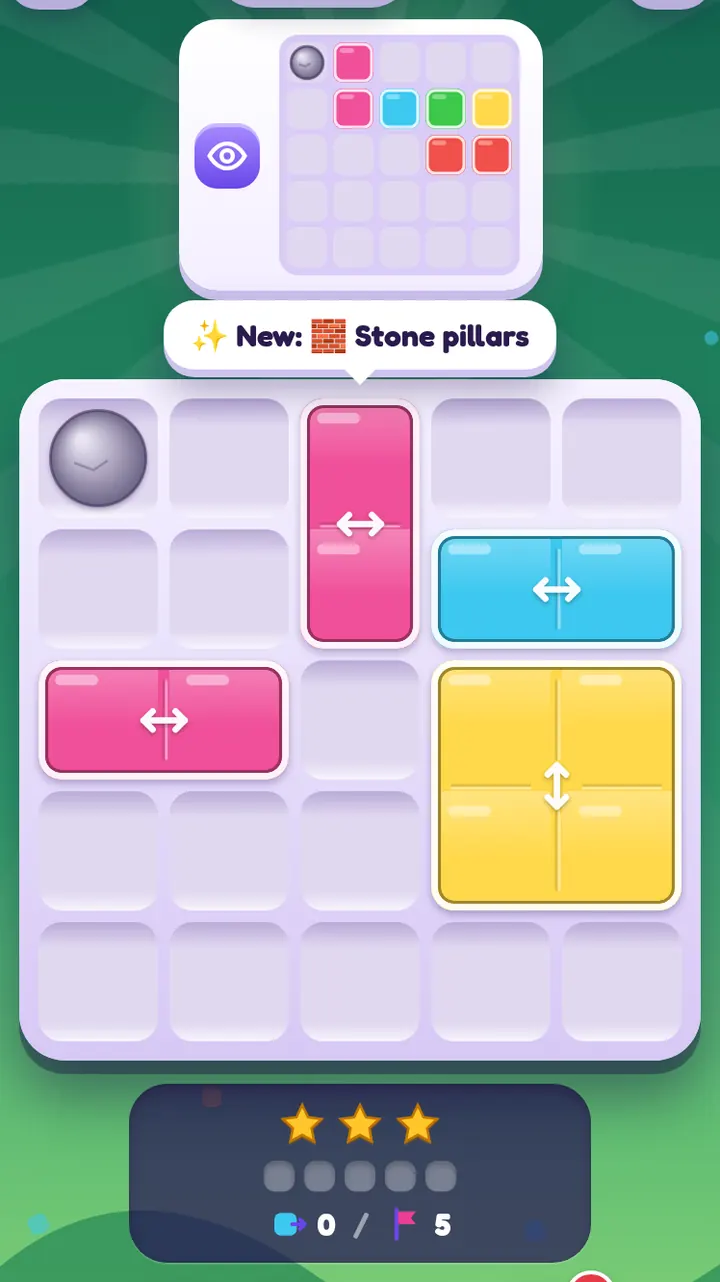
At level 25, grey stone blocks start to appear inside the board. These are stone pillars. They are not glass, they have no colour, and nothing can pass through them. In practice, a pillar works like a little piece of the board's edge dropped into the middle of the window.
The rule
A pane gliding along its rail stops just before a pillar, exactly as it would stop at the edge of the board. That is true for every pane, whatever its direction. No glass can ever sit on a pillar cell, so pillar cells are always empty of glass and show as stone in the target picture.
That's all. Pillars don't stick, mix or move. Their power comes from where they are.
What pillars do to a puzzle
They split rails into sections
A pillar in the middle of a row divides that row into a left part and a right part. A ↔ pane in the left part can never reach the right part. This removes many positions at once. The puzzle-maker uses this: pillars on PaneSlide boards are chosen so they never sit under the answer, and they cut the possibilities down to something interesting.
They create new stopping points
Without pillars, a pane mostly stops at the edge, at a same-rail pane or by sticking on crossing glass. A pillar adds another reliable stop, in the middle of the board. If a pane needs to end next to a pillar, a single swipe towards it does the job.
They can block a plan
A pillar can also stand between a pane and the place it needs to be. If that happens, the pane must approach its target from the other side, or the target is simply not where you thought. Re-read the picture: pillars often make one candidate position impossible, which tells you the real one.
Reading a pillar board
- Find the pillars in the picture. They are drawn as grey stone, in the same cells as on the board.
- Mark the sections. For each row and column with a pillar, note which part each pane is in. Panes never leave their section.
- Check the cells next to pillars. These are natural stopping points. If the picture shows glass right beside a pillar, a pane probably slides in and stops against the stone.
- Plan the rest as usual, with glide and stick.
Tip. When a pane has a pillar on one side and the board edge on the other, it can only rest in a few spots. List them; one of them is the answer.
Pillars and other special glass
In later chapters, pillars combine with other kinds. Some combinations to watch:
- Pillars + locked glass. Two kinds of fixed object, but different: a pillar blocks every direction, while locked glass only blocks its own rail and lets crossing glass stick on top.
- Pillars + ice. Ice makes panes slide further, so a pillar is often the only thing that stops them.
- Pillars + one-way glass. A one-way pane that must stop mid-board often needs a pillar to stop it, because it can't be brought back.
A level never mixes more than two special kinds, except rare challenge levels after level 100.
Why pillars make good puzzles
Pillars are easy to understand and they never surprise you, which makes them good for building "aha" moments. A board can look hopeless until you notice that one pillar means a pane can only stop in one place. After level 25, pillars return in every chapter, so you get plenty of practice.
Play from level 25 on the level map, or read the next special-cell guide on gems.