Every puzzle in PaneSlide can be solved, and every one has been checked by a computer search to prove it. Still, some days a board just won't give in. This guide covers the tools the game gives you and a simple routine for when you are stuck.
Undo
The round undo button (a curved arrow) takes back your last swipe. You can press it again and again to step back through your moves. It is there in every level and in every daily puzzle that uses the glide rules (all dailies from 30 October 2026).
Undo puts the board back, but the swipe still counts towards your total. This keeps scores honest and comparable: par is measured from the starting position, and your count includes every swipe you made. So use undo as soon as a swipe surprises you, before you build more moves on top of a mistake.
The "Stuck!" tip
Some swipes make the picture impossible. For example, if you push a pane to a spot from which it can never reach its target, or put two same-rail panes in an order they can never swap out of. When that happens PaneSlide shows a short "Stuck! Undo" tip. It means: from this position, no sequence of swipes can match the picture. Undo once (or more) and try a different order.
This tip is one of the best teachers in the game. Each time you see it, ask why the last swipe was a dead end. Usually it is because a pane glided past the place it needed to stop.
Hints (Levels mode)
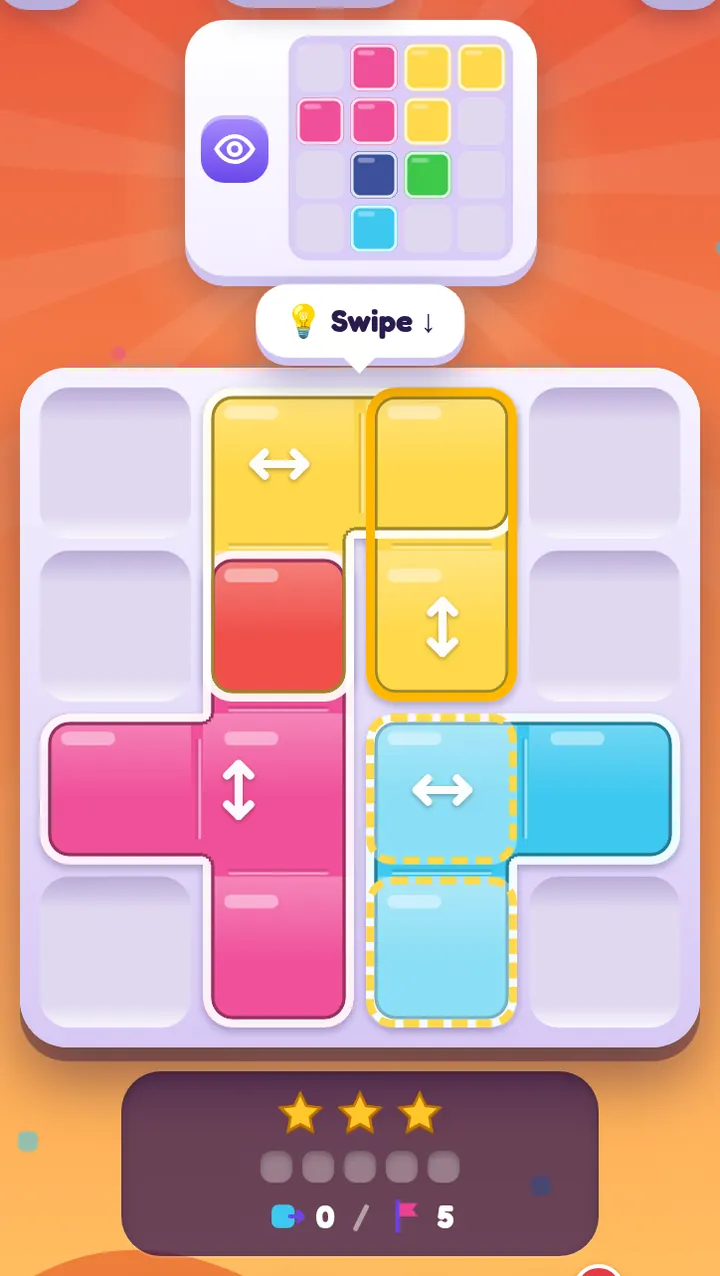
The gold hint button shows the next best swipe from where you are now. It works out the shortest route to the target from your current position, so even after a few wrong turns it points you the fastest way home.
- Hints never cost stars. You still make the swipe yourself, and it counts like any other.
- You start with 3 and can hold up to 5.
- You earn more: +1 at each milestone (level 5, then every 10 levels), +1 for every three 3-star levels, and you can buy one with shards in the shop. The day-7 daily gift includes one too.
The daily puzzle has no hints, so everyone plays it on equal terms.
Restart
In levels, the restart button puts every pane back to the start and resets your count. It is the cleanest option if you have gone a long way down the wrong path and would rather try again from zero for a better star score.
A calm routine for any stuck puzzle
- Stop swiping. Most stuck positions get worse with quick moves.
- Read the picture again. Use the colour key in reading the target picture: find where every pane must finish.
- Find the panes that are already right, and decide not to touch them.
- For each remaining pane, ask what will stop it in the right place. If nothing will, another pane has to move first to become its stopper.
- Try your plan. If a swipe surprises you, undo straight away and look at why.
- Still stuck? In levels, take a hint and then try to understand the move. Why that pane, why now? In the daily, take a break and come back later. Fresh eyes really do help, and the puzzle will wait for you all day.
Common causes of being stuck
- The stopper moved too early. You moved the pane that another pane needed to stick on.
- Two panes on the same rail are in the wrong order. They cannot pass each other, so one must go round another way, or the plan needs to change.
- *Expecting a pane to stick when it slides off glass.* Sliding off never stops a pane, only sliding onto new colour does. See glide and stick.
- Forgetting a special cell. Ice stops sticking and sand adds stops. Check the small badges on the board.
Being stuck is part of puzzles, not a failure. The moment it clicks is the best part of the game.
If the same kinds of mistakes keep happening, seven beginner mistakes lists the common ones and how to fix them.